Connecting QuickBooks Online
After registering your account, connect Qlarity to QuickBooks Online so it can sync your Central Reach billing. Authorizing the connection takes just a couple of clicks.
Authorize the connection
-
Go to your account page at app.getqlarity.app/app/account.
-
Click Connect to QuickBooks.
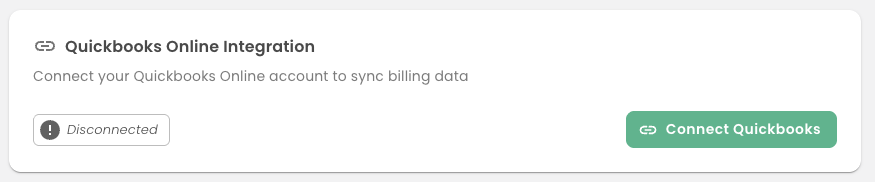
-
You'll be taken to Intuit's authorization page. Sign in with your QuickBooks credentials if prompted.
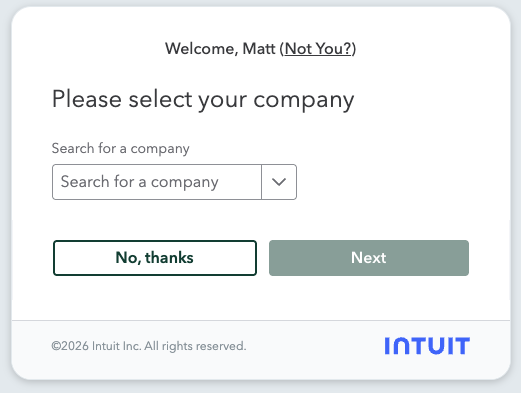
-
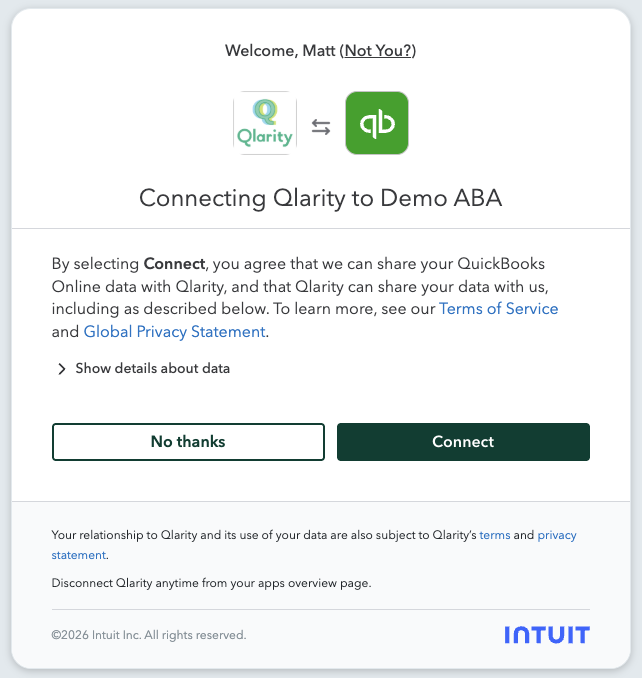
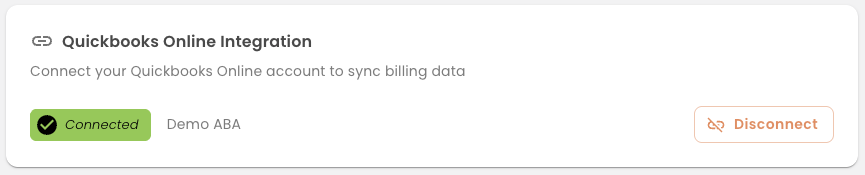
Review the access Qlarity is requesting and approve it. Intuit redirects you back to Qlarity, and your account page now shows QuickBooks as connected.
If the connection expires
QuickBooks authorizations don't last forever. If your connection expires or is revoked, Qlarity will prompt you to reconnect where you'll run through this process again.