Account Setup
Setting up Qlarity takes two steps: registering your account, then connecting it to QuickBooks Online. This page covers registration and points you to the QuickBooks connection.
Registering for a new account
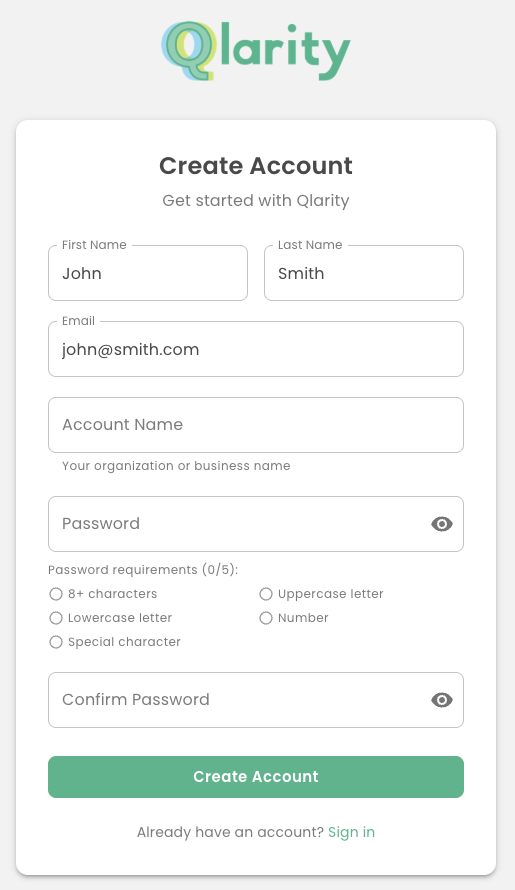
Create your account at app.getqlarity.app/register.
One account, one QuickBooks, one Central Reach
Each Qlarity account is tied to a single QuickBooks Online company and a single Central Reach account. If you manage billing for more than one of either, you'll need a separate Qlarity account for each pairing.
An account isn't limited to one person. A single account can have multiple users, and a user can be a member of multiple accounts — so you can invite your team to a shared account and switch between accounts you belong to.